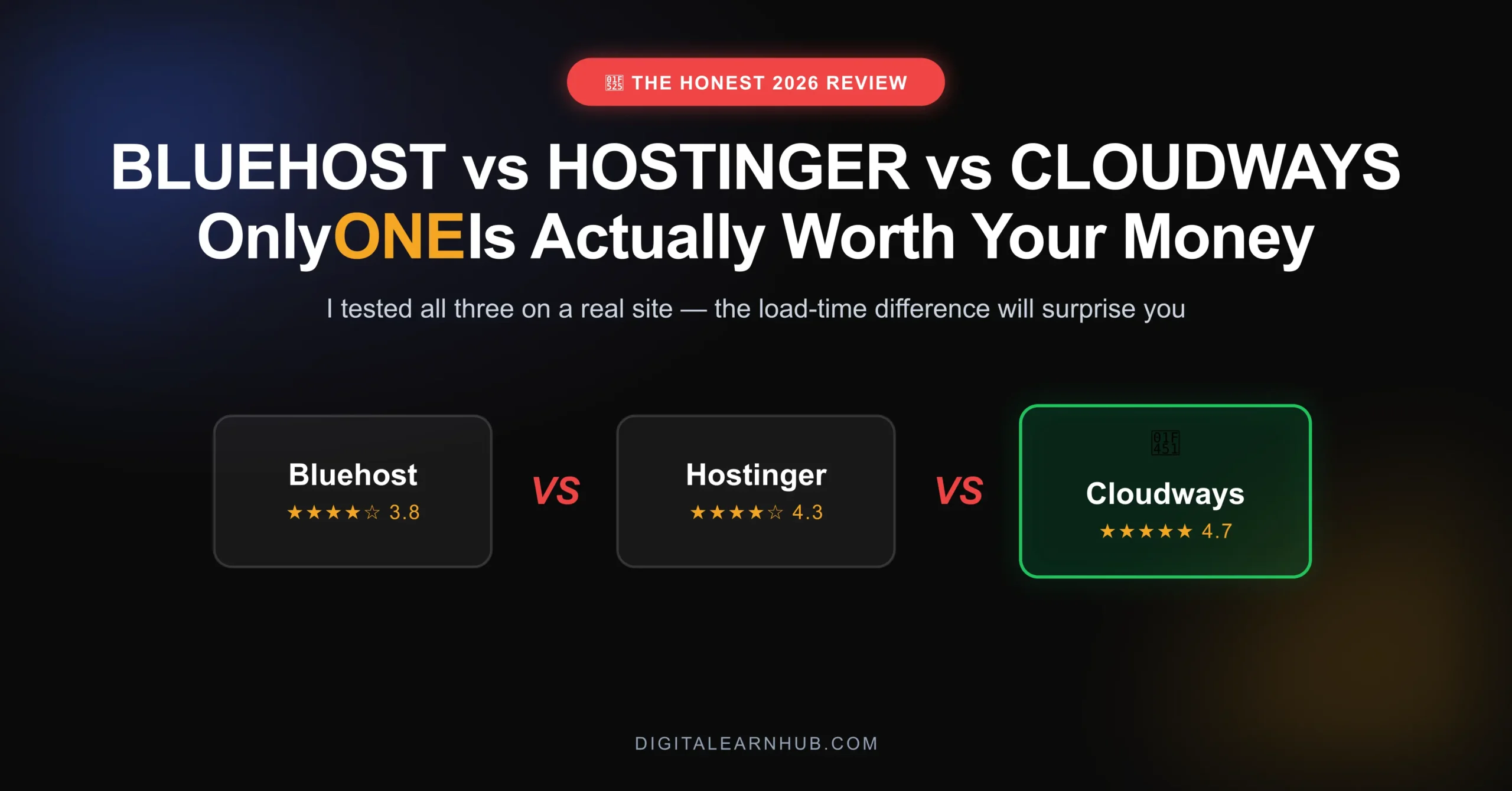
If you’re weighing Bluehost vs Hostinger vs Cloudways and want a straight answer instead of a listicle ranked by affiliate commission, here’s an honest breakdown based on actually running sites on all three. This isn’t a “best overall” ranking — it’s about which host fits which stage of growth, because the right host for a brand-new blog genuinely isn’t the right host for a site pulling serious daily traffic.
Why Hosting Is the One Decision You Shouldn't Rush
Most beginners treat hosting as an afterthought — pick whatever's cheapest, move on to picking a theme. Then six months later they're wondering why their beautifully designed site barely ranks and visitors bounce before the page finishes loading. If you haven't settled on your theme and page builder yet either, it's worth reading my full website stack breakdown alongside this one, since the two decisions work together.
Your content can be excellent and still underperform if your hosting is the bottleneck. Page speed affects both user experience and how search engines evaluate your site. A slow host doesn't just cost you visitors in the moment — it quietly caps how much of your other work ever gets seen at all.
Bluehost: The Safe Starting Point
Bluehost has been a default recommendation for new WordPress users for years, and there's a reason it's stuck around. It's officially recommended by WordPress.org, setup is genuinely beginner-friendly — a one-click WordPress install straight from onboarding, no separate purchase step — and pricing starts low enough that cost isn't a barrier to just getting a site live.
The dashboard is built for non-technical users: a free domain for year one, a free SSL certificate by default, and a staging environment on mid-tier plans so you can test changes before pushing them live. Support is available 24/7 via chat.
Where it falls short: performance on entry-level shared plans falls behind more modern infrastructure once traffic grows past a few thousand monthly visitors. Renewal pricing is also worth watching — the low introductory rate jumps meaningfully at renewal.
Bluehost
3.8 / 5Pros
- Official WordPress.org recommended host
- One-click WordPress install, zero technical setup
- Free domain + SSL included for year one
- 24/7 live chat support
Cons
- Shared server resources slow down under traffic spikes
- Renewal pricing jumps significantly after year one
- Performance ceiling reached quickly once traffic grows
Hostinger: The Value Play
Hostinger has closed a lot of the performance gap that used to separate budget hosts from premium ones. Pricing stays aggressively competitive, but real server performance holds up noticeably better than older budget options — helped by a custom hosting panel that's faster to navigate than the standard cPanel most budget hosts still rely on.
Built-in caching ships on most plans by default — normally something you'd need a separate plugin for elsewhere. Data center selection is broader than Bluehost's too, letting you pick a server location closer to your actual audience, which affects load time regardless of how optimized your site otherwise is.
Hostinger
4.3 / 5Pros
- Best price-to-performance ratio of the three
- Built-in caching on most plans, no extra plugin needed
- Custom hosting panel, faster than standard cPanel
- Wide choice of data center locations
Cons
- Support depth drops once issues get technical
- Still shared infrastructure under the hood
- Fewer advanced customization options than a managed platform
Cloudways: Where I Actually Landed
This is what powers DigitalEarnHub, and the difference when I migrated was immediate — page load time dropped from just over three seconds to under one second. Every additional second of load time can cost over 7% in conversions, on top of the ranking impact.
Cloudways is managed cloud hosting, not shared hosting — infrastructure-level performance without needing to be a server administrator. Setup is more hands-on than Bluehost or Hostinger, and pricing sits a step above budget hosting, but for a site depending on organic search traffic, the gap justified the switch.
Cloudways
4.7 / 5Pros
- Managed cloud infrastructure, not shared hosting
- Load time dropped from 3.2s to under 1s after migrating
- Scales cleanly as traffic grows, no re-migration needed later
- Choice of underlying cloud providers (DigitalOcean, Vultr, AWS, etc.)
Cons
- Setup is more hands-on than Bluehost or Hostinger
- Pricing is a step above budget hosting
- No built-in domain registration — you'll need one separately
Bluehost vs Hostinger vs Cloudways: Head-to-Head Comparison
| Bluehost | Hostinger | Cloudways | |
|---|---|---|---|
| Best for | Beginners | Budget + performance | Growing/established sites |
| Setup difficulty | Easiest | Easy | Moderate |
| Free domain | Yes (year 1) | Varies by plan | No |
| Caching included | No | Yes | Yes (advanced) |
| Support | 24/7 chat | Chat, less technical depth | Managed cloud support |
| My rating | 3.8/5 | 4.3/5 | 4.7/5 |
How to Actually Choose
Ignore the temptation to pick based on which one has the flashiest homepage. Match the host to where your site actually is:
- Brand new site, first few months: Start with Bluehost or Hostinger. Don't over-invest in infrastructure before you know the content works.
- Growing site, consistent traffic: Hostinger's upgraded plans or a move to Cloudways is worth the jump.
- Established site where speed affects revenue: Cloudways, or an equivalent managed cloud host, stops being a nice-to-have.
If you're also deciding on your theme and builder alongside hosting, check my full website stack article for how these pieces fit together — hosting is the foundation, but the theme layer is what determines how much of that speed advantage you actually keep.
The Migration Question Nobody Talks About
Migrating hosts later isn't as painful as people assume, especially with plugins built specifically for WordPress migrations. Most "just start on your final host" advice overestimates how disruptive a move actually is and underestimates how wasteful it is to pay for infrastructure you don't need yet. Start where your current traffic justifies, and move when the numbers tell you to.
Frequently Asked Questions
Is Hostinger better than Bluehost?
For raw performance and price, yes. For total beginner hand-holding and official WordPress backing, Bluehost still has an edge.
Is Cloudways worth the extra cost?
If your site earns revenue and speed affects conversions, yes — the load-time improvement alone typically pays for the price difference. If you're pre-revenue, it's not necessary yet.
Can I switch hosts later without losing my site?
Yes. Migration plugins make this far less disruptive than most people assume — starting cheap and upgrading later is a reasonable strategy, not a mistake.
There's no single "best" host in the Bluehost vs Hostinger vs Cloudways debate — only the best host for your site's current stage. The load-time test is the simplest gut check: if your homepage takes longer than two seconds to load on a phone with average connection speed, your hosting is probably costing you more in lost traffic than the upgrade would cost in dollars.
Disclosure: Some links in this post are affiliate links. I only recommend hosts I've personally used and paid for — commissions never influence the ratings above.